
Chrome and Brave extension
Your links on every new tab.
Quiver puts your links into boards and coloured categories, so the page you need is one click away.
Coming soon to the Chrome Web Store
Free
No ads
Private
No account, no tracking
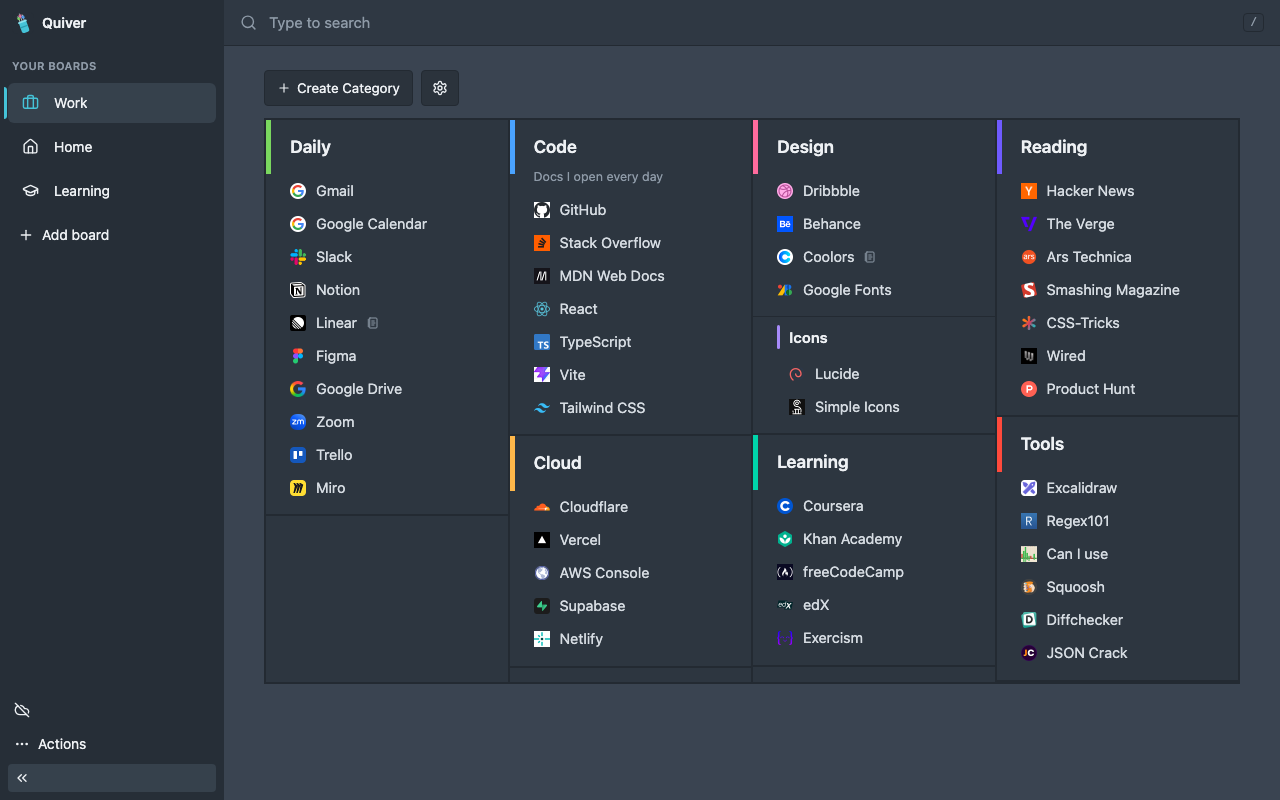
Built for the new tab
Every link in its place.
01
Boards and categories
Make a board for each part of your life. Put links into coloured categories in up to 7 columns, with child categories for long lists.
02
Drag and drop
Move links and categories to where you want them, across columns too.
03
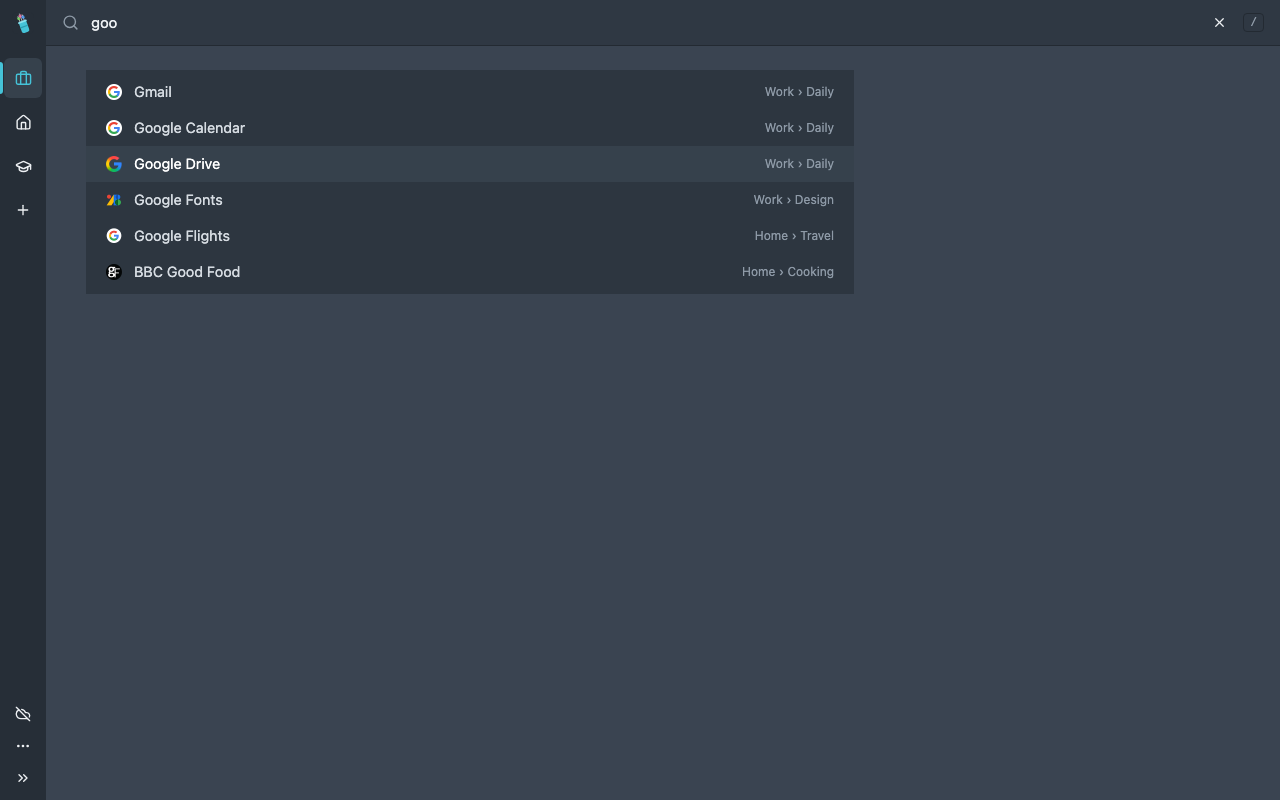
Fast search
Search all boards from the top bar. Press / to start.
04
Your data stays with you
No account, no ads, no tracking. Your boards stay in your browser. Sync is optional and end-to-end encrypted.
More tools
Small things that save time.
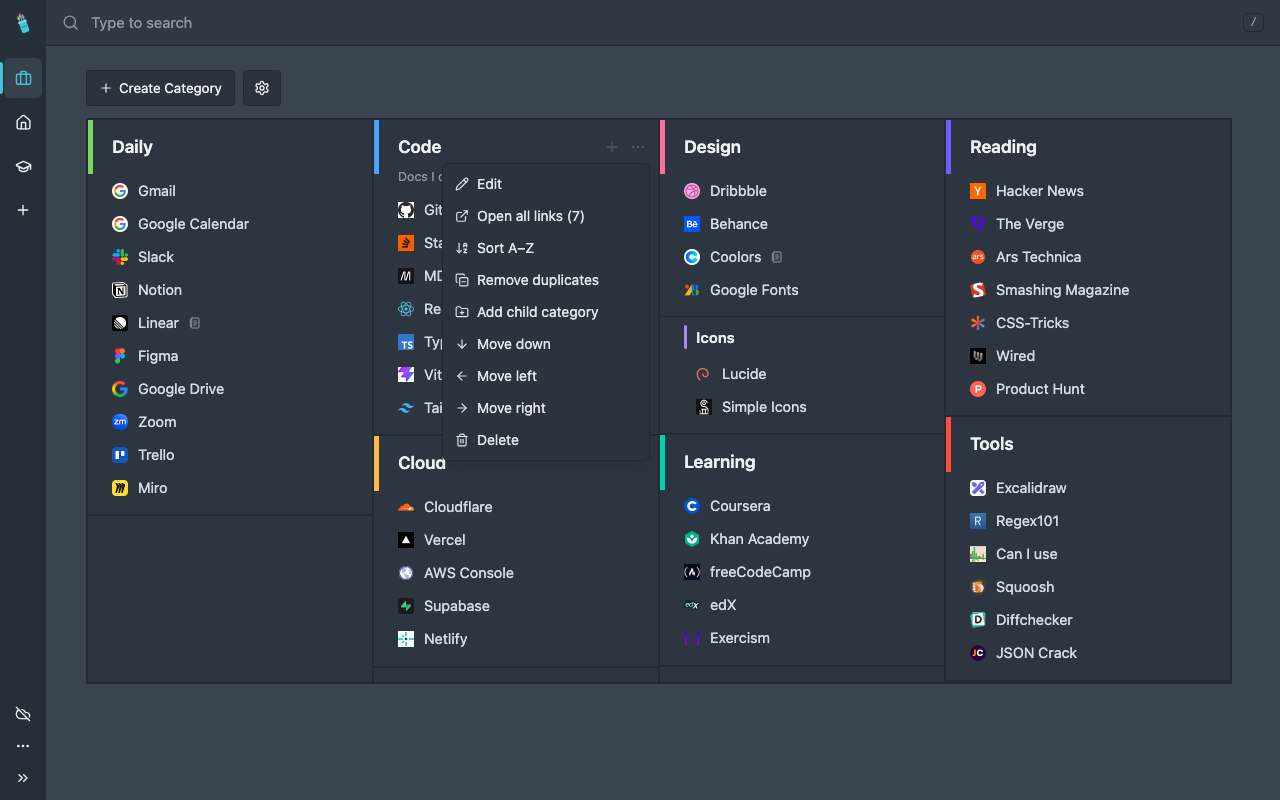
- Open all links of a category at once.
- Open links in the same tab or in a new tab. Middle-click always opens a new tab.
- Add a short note (140 characters) to any link or category.
- Sort a category A–Z and remove duplicate links with one click.
- Import your browser bookmarks (HTML) or a Quiver backup (JSON). Export them at any time.
- Sync your boards between browsers with a sync code. No account and no email.
Optional sync
The same boards in every browser.
Sync is off until you turn it on. Quiver then makes a random sync code. Your boards are encrypted in your browser before they leave it, so the sync server cannot read them. Enter the same code in another browser to get the same boards. You can also use your own sync server.
Read the Quiver privacy policy.
Free for Chrome and Brave
Make your new tab useful.
Questions or feedback? Email support@mindfulapps.xyz.
Coming soon to the Chrome Web Store